





Introduction
A practical 2026 guide to leading AI tools for writing, research, coding, images, video, voice and automation, with selection and safety tips.
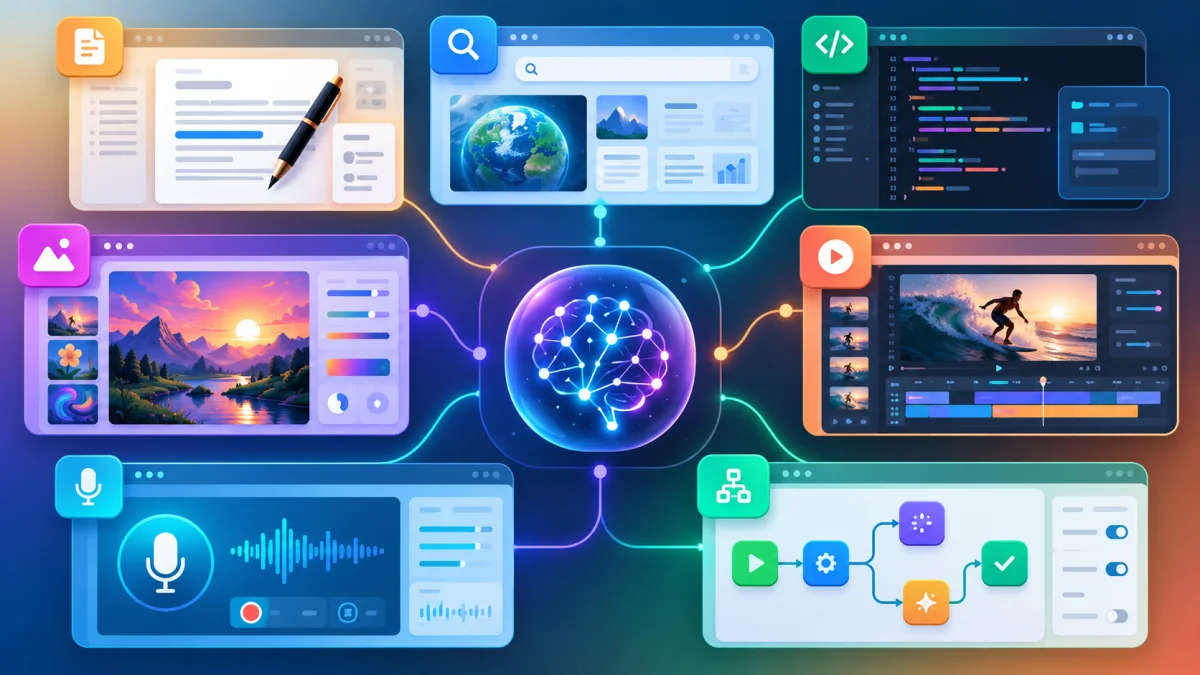
The best AI tool depends on the job, the information involved and the level of control required. A general assistant may be excellent for brainstorming, while a research tool may be better when every important claim needs a source. A coding agent needs access to a repository and tests; an image or video tool needs clear rules for brand assets, identities and commercial rights. This guide groups widely used AI products by practical use case rather than declaring one universal winner.
For related updates, you can also check our latest jobs, scholarships, government schemes, and admissions pages for more opportunities.
General-purpose AI assistants
ChatGPT, Claude and Google Gemini are commonly used for drafting, summarising, explaining concepts, analysing files and building structured plans. Their capabilities and limits change frequently, so users should compare current model options, privacy settings, file limits and integrations. Microsoft Copilot is another option for people who work primarily inside Microsoft products. For sensitive work, the most important question is not which interface looks best, but how data is stored, retained and governed.
Research and answer engines
Perplexity and similar answer engines focus on web-grounded responses, citations and research workflows. They can save time when collecting an initial reading list, but citations should still be opened and checked. Search-based AI can misunderstand a source, combine unrelated claims or miss a primary document. For health, legal, financial or public-policy topics, use the AI response as a starting point and verify the original authority.
Coding and software development
Cursor, GitHub Copilot, OpenAI Codex and Claude Code represent the shift from autocomplete toward repository-aware assistance. They can explain unfamiliar code, generate tests, refactor files and help investigate errors. The safest workflow keeps changes in version control, runs automated tests and uses code review before deployment. Never paste production secrets, private keys or customer data into an unapproved coding tool.
Images, design and video
Adobe Firefly, Midjourney and image-generation features in leading assistants support concept art, product variations, social graphics and editing. Runway and other video platforms support text-to-video, image-to-video and creative editing workflows. These tools are powerful for ideation, but generated text, hands, logos, product details and continuity should be checked manually. Use licensed assets and obtain consent before using a real person's likeness or voice.
Voice, audio and automation
Voice platforms such as ElevenLabs can help with narration, localisation and accessible audio, subject to consent and usage rules. Zapier, Make and n8n connect AI steps with email, spreadsheets, customer support and internal systems. Automation should include a dry run, an approval gate for external messages and a clear way to undo or correct a wrong action.
A simple tool-selection checklist
- Define the output: answer, source-backed report, code change, image, video, audio or automated action.
- Check whether the tool supports the files, languages, integrations and response length you need.
- Review privacy, retention, training-use and commercial-rights terms before uploading sensitive or paid work.
- Test accuracy on your own examples instead of relying only on a public benchmark.
- Calculate the full cost, including human review, storage, API calls and failed outputs.
Source: Perplexity: AI answer and research products
Source: Cursor: AI code editor
Source: Runway: Models catalog
Source: Adobe: Firefly video and image capabilities
Important: AI tools, features, prices and availability change quickly. Verify current product documentation, privacy terms, copyright rules and safety controls before using an AI system for important work.
To stay updated with similar content, also visit our schemes, scholarships, jobs, and admissions pages for new opportunities and official updates.
FAQs
What is this article about?
This article explains the main details, timeline, and important updates related to Top AI Tools in 2026: Best Apps for Work, Research, Coding and Content in a simple, reader-friendly format.
Where can I find more opportunities like this?
You can explore our dedicated jobs, scholarships, schemes, and admissions sections for similar updates, official notices, and recent opportunities.
How often is this page updated?
We refresh important articles whenever new announcements, corrections, or deadline changes become available so readers can stay informed.





Comments (0)
No Comments Found