




Introduction
Learn practical cybersecurity basics for everyday users, including phishing awareness, strong passwords, software updates and multi-factor authentication.
Cybersecurity is the practice of protecting devices, accounts, networks, and information from unauthorised access or disruption. Everyday security does not require advanced technical knowledge. A few consistent habits can make it much harder for attackers to steal passwords, take over accounts, or trick people into sending money or sensitive information.
For related updates, you can also check our latest jobs, scholarships, government schemes, and admissions pages for more opportunities.
Recognise phishing attempts
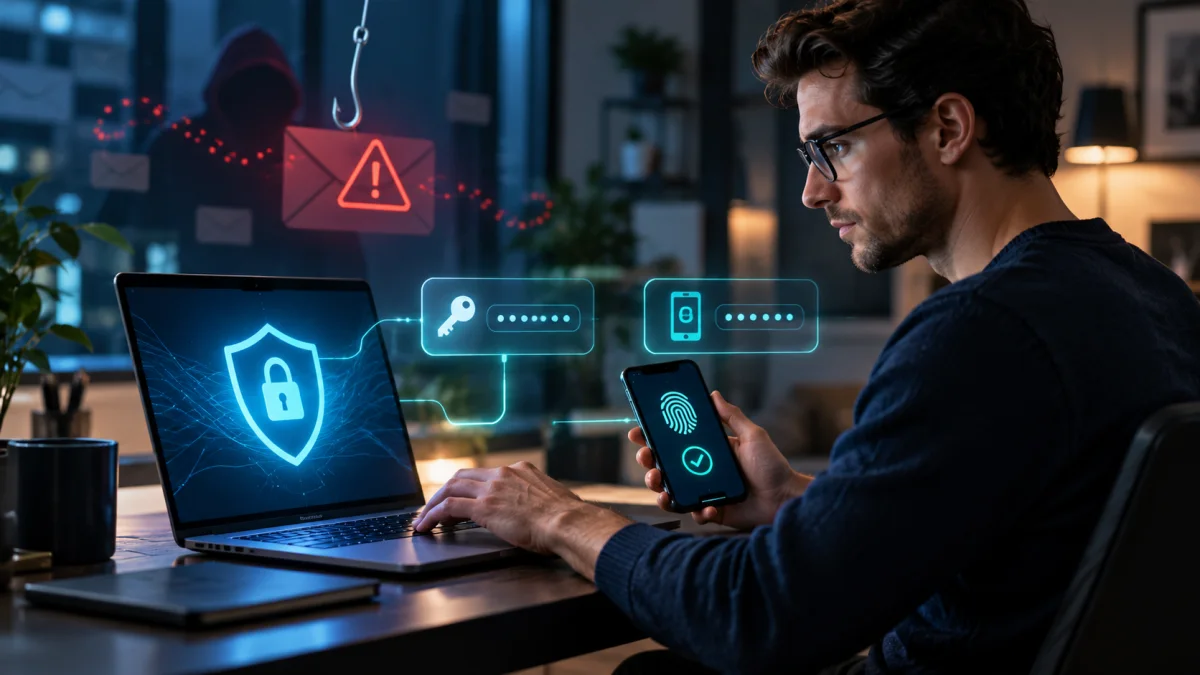
Phishing messages are designed to create urgency, fear, curiosity, or excitement. An email, text message, social-media post, or phone call may pretend to be from a bank, delivery company, employer, government office, or friend. Warning signs include unexpected links, requests for one-time codes, unusual payment instructions, spelling or domain inconsistencies, and pressure to act immediately.
Before clicking, pause and verify the request through a trusted channel. Open the official app or type the known website address instead of using the message link. Do not share passwords, PINs, recovery codes, or verification codes with anyone who asks unexpectedly. If a message may be fraudulent, report it and delete it after preserving evidence if needed.
Use strong, unique passwords
A long password or passphrase that is unique to one account is harder to guess and limits damage if another service is breached. A password manager can create and store different passwords without requiring users to memorise every one. Avoid using names, birthdays, phone numbers, repeated words, or the same password across email, banking, and social accounts.
Turn on multi-factor authentication
Multi-factor authentication, or MFA, adds another proof of identity after the password. This may be an authenticator-app code, a security key, a device approval, or another factor. MFA can block many account takeovers even when a password has been exposed. Where available, phishing-resistant methods such as security keys or passkeys provide strong protection.
Keep phones, browsers, apps, routers, and computers updated. Updates often fix security weaknesses that criminals already know about. Enable automatic updates when appropriate, protect the screen with a lock, review account recovery settings, and keep backups of important files. No single measure is perfect, but layered protection reduces risk.
If an account may be compromised, change its password from a trusted device, revoke unknown sessions, contact the service provider, and monitor linked accounts. For financial fraud, contact the bank promptly using its official number. Acting quickly can limit further loss.
Note: This article is for general educational purposes. Follow official local guidance and qualified professional advice where safety or health is involved.
Sources: CISA: Require multi-factor authentication
Sources: CISA: Avoiding social engineering and phishing attacks
To stay updated with similar content, also visit our schemes, scholarships, jobs, and admissions pages for new opportunities and official updates.
FAQs
What is this article about?
This article explains the main details, timeline, and important updates related to Cybersecurity Basics: Phishing, Strong Passwords and MFA in a simple, reader-friendly format.
Where can I find more opportunities like this?
You can explore our dedicated jobs, scholarships, schemes, and admissions sections for similar updates, official notices, and recent opportunities.
How often is this page updated?
We refresh important articles whenever new announcements, corrections, or deadline changes become available so readers can stay informed.







Comments (0)
No Comments Found