Quick Facts
Introduction
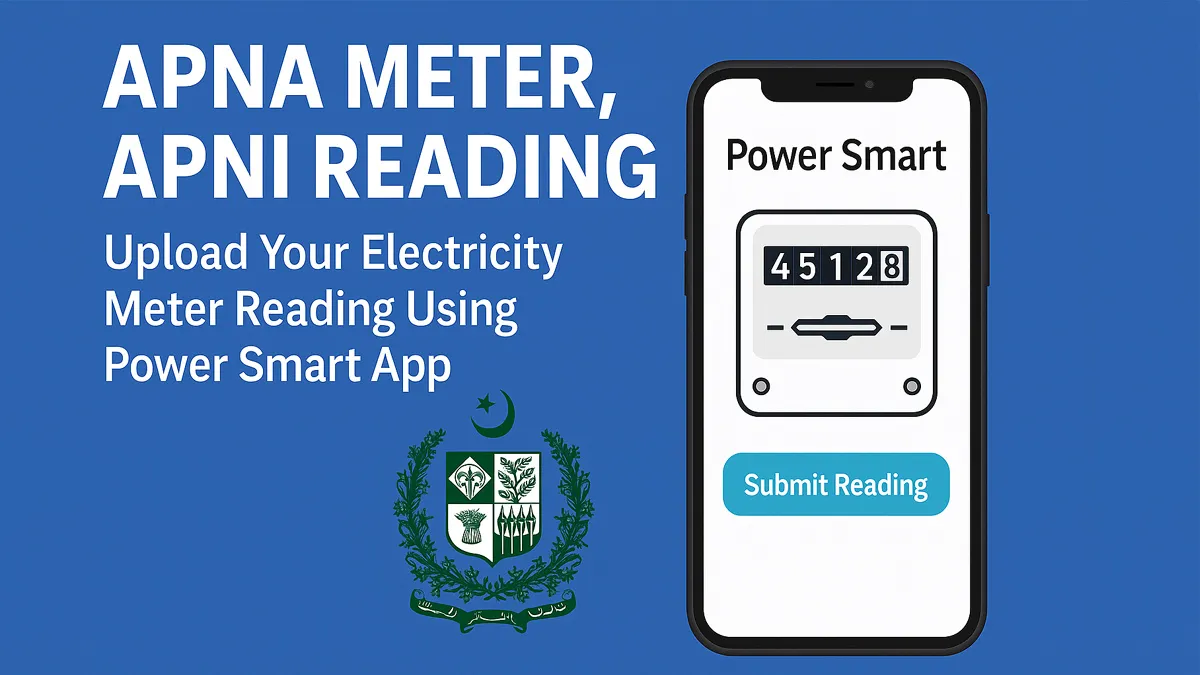
Submit your electricity meter photo with Power Smart App under the Apna Meter, Apni Reading scheme. Ensure fair billing and subsidy eligibility in Pakistan.
What is “Apna Meter, Apni Reading”?
The Government of Pakistan, under the leadership of Prime Minister Shehbaz Sharif, launched the Apna Meter, Apni Reading initiative to empower electricity consumers with digital self-reading control.
For related updates, explore Jobs, Scholarships, Government Schemes and Admissions for more information.
Consumers can now submit their own electricity meter readings every month using the Power Smart App, ensuring accurate billing and protection of monthly energy subsidies (especially for usage under 200 units).
This scheme is part of Pakistan’s broader power sector digitization reform, aiming to phase out manual meter readers and reduce billing discrepancies.
Power Smart App – The Official Reading Platform
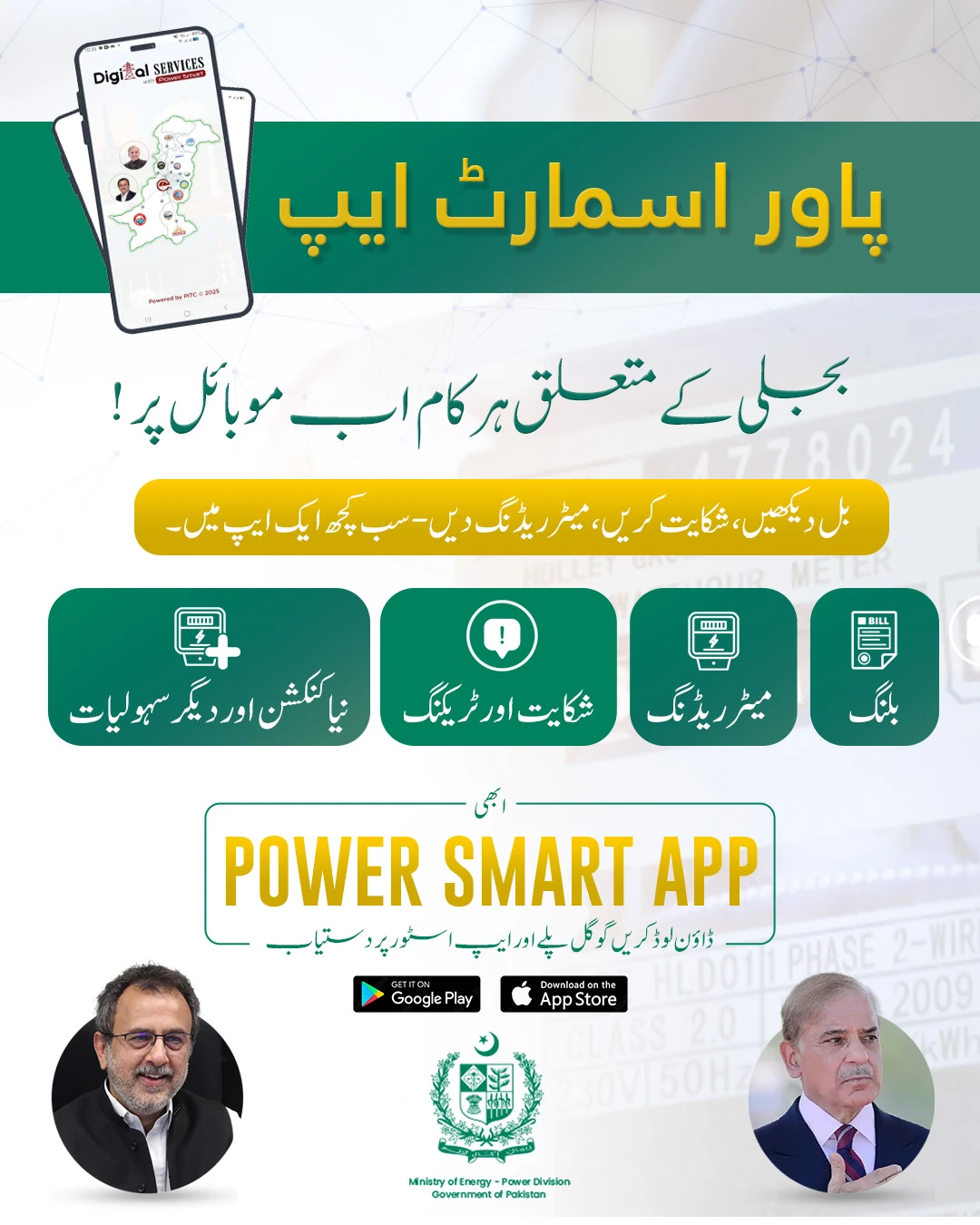
The Power Smart App is the official mobile platform developed by Power Information Technology Company (PITC). It allows users to:
-
Upload meter photos as official reading
-
Track previous readings
-
Receive timely notifications
-
Lodge billing or meter-related service requests
Download Power Smart App: Google Play Store (Android)
Why It’s Important for Consumers
| Reason | Benefit |
|---|---|
| Accurate Billing | No more inflated or estimated bills |
| Save Your Subsidy | Usage below 200 units is safely recorded |
| Prevent Overbilling | Avoid surprise charges from faulty readings |
| Transparency | Complete control over meter submission |
| No Middleman | No need for manual meter readers at your door |
How to Use the Power Smart App – Step-by-Step Guide
Step 1: Install the App
-
Download Power Smart from the Google Play Store
Step 2: Register Your Account
-
Enter: CNIC, Mobile Number, Email, and your Reference Number
-
Choose your relevant DISCO (LESCO, MEPCO, etc.)
Step 3: Link Your Meter
-
Add your Consumer ID or Reference number
-
Name your meter (optional) for easier tracking
Step 4: Upload Meter Reading
-
On the specified date each month, take a clear photo of your meter
-
Make sure digits are fully visible and not blurred
-
Click Submit Reading
Step 5: Confirmation
-
You’ll receive a confirmation notification
-
This reading will override the DISCO staff’s entry (if submitted on time)
Reading Submission Rules
-
Must be submitted on reading date only
-
Photo must be clear, readable, and match your meter
-
If the user fails to submit on time, DISCO’s reading will apply
Where It’s Available
-
Eligible DISCOs:
-
LESCO, MEPCO, IESCO, FESCO, GEPCO, SEPCO, HESCO, QESCO, TESCO
-
-
Currently Supported Meters:
-
1-Phase Residential Meters
-
-
Coming Soon:
-
Commercial & 3-phase meters
-
-
K-Electric:
-
Not included yet (for Karachi region)
-
App Features
-
Meter Photo Submission
-
Notifications and Reminders
-
Bill History and Reading Archive
-
View Current & Previous Readings
-
Lodge Complaints or Service Requests
-
5 Language Support: Urdu, Punjabi, Sindhi, Pashto, Balochi
Real User Benefits
-
No more estimated or delayed billing
-
Retain eligibility for energy subsidies
-
Less room for corruption or human error
-
Accessible even in remote areas via mobile network
-
Reduce costs by eliminating unnecessary field visits
FAQs
Q1. What if I submit a blurry photo?
The app will notify you to retake and resubmit before accepting.
Q2. Can I add more than one meter?
Yes, multiple meters from different locations can be added and managed.
Q3. Can I view my bills?
Yes, you can view your previous and current readings and submission status.
Q4. What happens if I miss the date?
Your bill will be generated based on DISCO’s meter reader or estimates.
Q5. Can others submit on my behalf?
Yes, anyone with your meter ID and login can upload the reading.
Government's Goal with This Scheme
The “Apna Meter, Apni Reading” scheme is more than a convenience—it’s a nationwide reform to:
-
Combat Rs 500 Billion in power theft and fraud
-
Modernize billing through AMI and digital apps
-
Reduce public complaints and enhance trust in DISCOs
-
Cut losses and increase transparency
This effort is being rolled out in phases and supported by a Rs 316 Million awareness campaign to ensure adoption across all provinces.
Conclusion
If you're tired of overbilling, estimation, or not knowing how much electricity you actually used—this app is your solution. The Power Smart App, under the “Apna Meter, Apni Reading” scheme, puts power in your hands—literally.
- Submit once a month.
- Save money.
- Stay in control.
References:
-
Ministry of Energy (Power Division), Government of Pakistan
Official press release on the launch of Power Smart App and Apna Meter Apni Reading scheme.
https://power.gov.pk -
The Express Tribune
"Govt launches ‘Apna Meter, Apni Reading’ power smart app"
https://tribune.com.pk/story/2553272/govt-launches-apna-meter-apni-reading-power-smart-app -
Profit by Pakistan Today
"Govt launches Power Smart App for electricity meter readings"
https://profit.pakistantoday.com.pk/2025/06/29/government-launches-power-smart-app-for-electricity-meter-readings
FAQs
What is this article about?
Submit your electricity meter photo with Power Smart App under the Apna Meter, Apni Reading scheme. Ensure fair billing and subsidy eligibility in Pakistan.
What topics are covered in this article?
This guide covers: What is “Apna Meter, Apni Reading”?, Power Smart App – The Official Reading Platform, Why It’s Important for Consumers, How to Use the Power Smart App – Step-by-Step Guide, Step 1: Install the App.
What should applicants check before applying?
Applicants should check eligibility, required documents, the closing date and the official application channel before submitting any information.
When was this article last updated?
This article was last updated on 30 June, 2025. Always verify deadline-sensitive information from the official source linked in the article.




Comments (0)
No Comments Found