




Quick Facts
Introduction
On-device AI is moving into phones, laptops and wearables. Learn how local processing works, where cloud AI fits and what privacy settings matter.
Updated October 18, 2026: Local and on-device AI is becoming one of the most important technology themes of 2026. Phones, laptops, watches and other gadgets are increasingly designed to process at least some AI tasks close to the user.
For related updates, explore Jobs, Scholarships, Government Schemes and Admissions for more information.
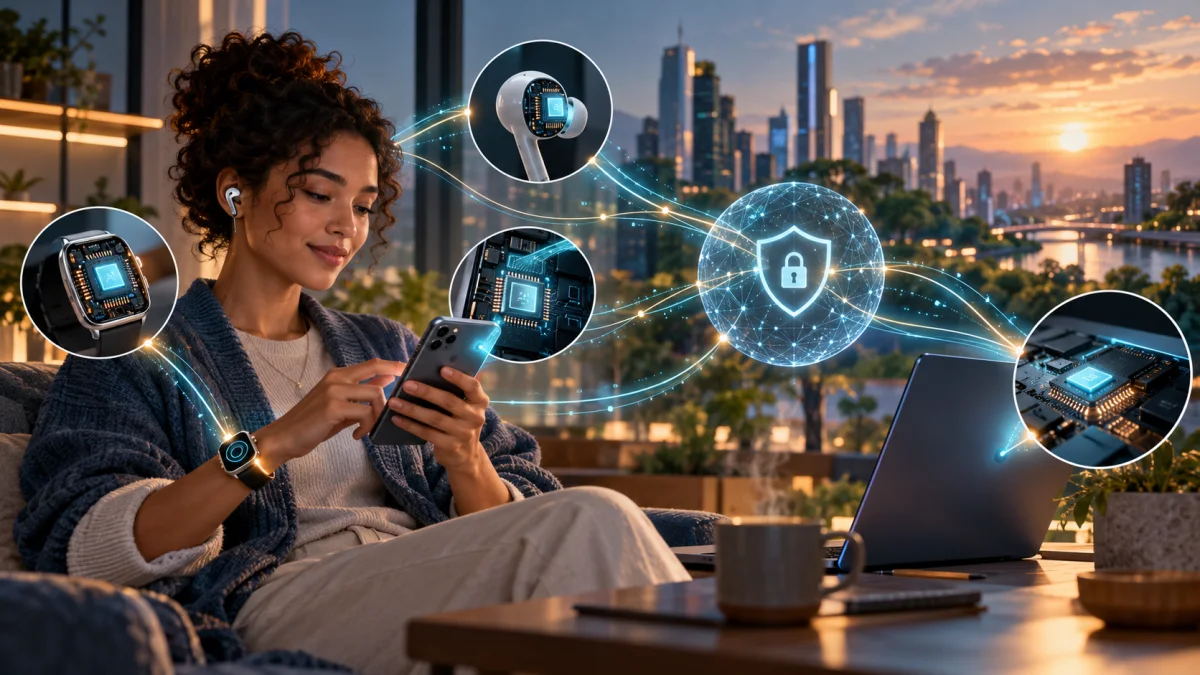
On-device processing can reduce latency, help some tasks work without a network and limit the amount of personal information sent to a cloud service. It does not automatically make a product private or secure. A device may still upload data for larger models, synchronise activity to an account or share information with connected apps. Privacy depends on the complete data flow.
Local AI versus cloud AI
- Local AI runs on the phone, computer or wearable using its processor and memory.
- Cloud AI sends a request to remote servers that may offer larger models and more computing power.
- Hybrid systems choose between local and cloud processing based on task, speed, privacy and capability.
- Users should be able to understand which mode is being used for sensitive actions.
Why hardware makers are adding neural processors
AI workloads can require specialised calculations, and newer chips include components designed to run these operations efficiently. Local processing can support translation, image editing, summarisation, voice commands and other features. The actual speed and quality depend on the model, memory, software optimisation and thermal limits, not only on a chip label.
Privacy questions to ask
- Does the feature work offline, or does it require a cloud connection?
- What information is collected, retained or used to improve the service?
- Can users delete voice, location, camera or health data?
- Which apps, agents or accessories can access the result?
- Are permissions clear and can the feature be disabled without losing basic device functions?
The future of personal computing
The likely direction is a mixture of small local models for quick private tasks and powerful cloud models for difficult or long-running work. This can make technology more responsive, but it also creates new security responsibilities. Users need updates, secure accounts and clear controls; manufacturers need transparent data practices and reliable ways to interrupt automated actions.
Source: Microsoft: Building Windows for hybrid intelligence
Source: Apple: HomePod mini privacy and Private Cloud Compute
Source: Google: Android and intelligent eyewear
News note: Product availability, prices, supported regions, software features and release schedules can change. Always check the official product page before making a purchase or relying on a feature.
Conclusion
Review the official sources, dates and eligibility conditions mentioned in this article before taking action. For more related updates, explore the category links above.
FAQs
What is this article about?
On-device AI is moving into phones, laptops and wearables. Learn how local processing works, where cloud AI fits and what privacy settings matter.
What topics are covered in this article?
This guide covers: Local AI versus cloud AI, Why hardware makers are adding neural processors, Privacy questions to ask, The future of personal computing.
What should applicants check before applying?
Applicants should check eligibility, required documents, the closing date and the official application channel before submitting any information.
When was this article last updated?
This article was last updated on 18 October, 2026. Always verify deadline-sensitive information from the official source linked in the article.






Comments (0)
No Comments Found