





Quick Facts
Introduction
Compare browser-based YouTube downloaders with traditional apps and discover which option offers better convenience, compatibility, speed, and ease of use.
For years, downloading YouTube videos usually meant installing a desktop application or a mobile app. These tools often promised faster downloads, more formats, and additional features. But over the past few years, browser-based downloaders have become increasingly popular, raising an important question:
For related updates, explore Tech News, Mobile Phones, Artificial Intelligence and Startup News for more information.
Do people still need dedicated software, or have online tools become the better choice?
After comparing how both approaches fit into everyday use, the answer is more balanced than many people expect.
Installation Is No Longer an Advantage
Traditional applications were once the only practical option. Today, however, installing software is not always convenient.
Students may use university computers.
Professionals often switch between office and personal devices.
Many users simply do not want to install another application for an occasional task.
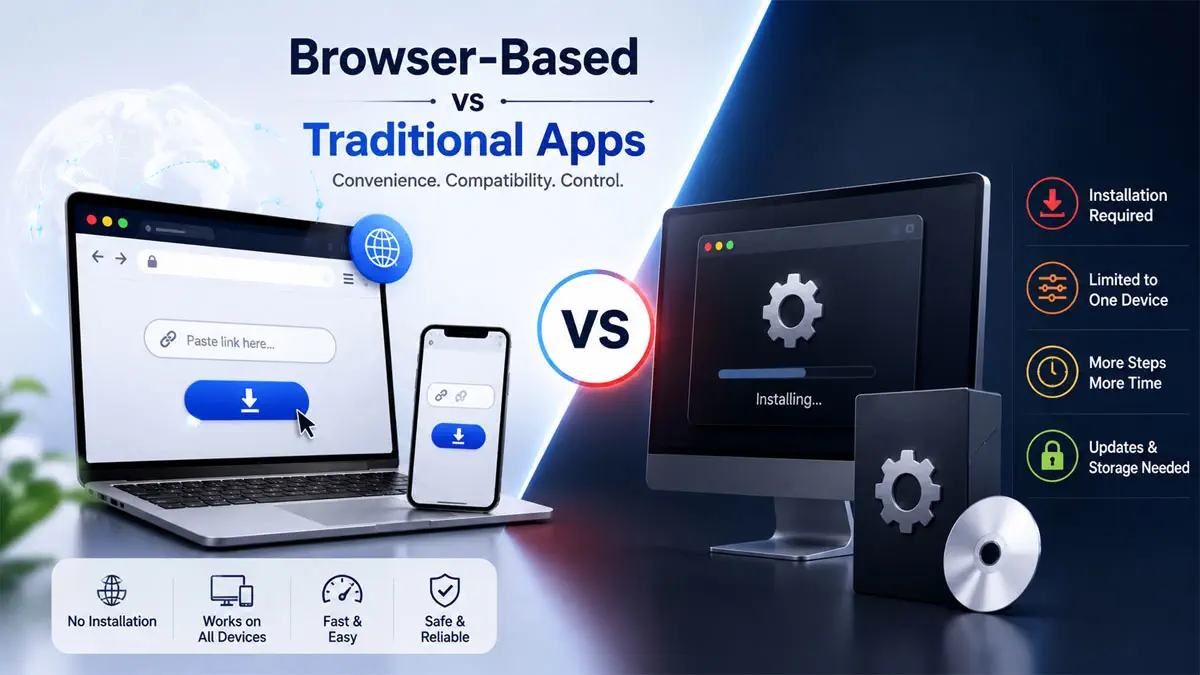
Browser-based services remove that barrier completely. As long as a modern browser is available, users can access the same functionality without downloading additional software.
For casual users, this alone is a significant improvement.
Compatibility Has Become More Important Than Features
Many download applications offer long lists of advanced features. The reality is that most people rarely use them.
Instead, users now care about questions such as:
- Will it work on my laptop?
- Can I use it on my phone?
- Does it require installation?
- Is the interface simple?
This is where browser solutions perform particularly well. They offer a consistent experience across Windows, macOS, Linux, Android, and iOS without requiring different versions for each platform.
Speed Depends on More Than Downloads
Many reviews focus only on download speed.
In practice, total efficiency includes every step before the download even begins.
Opening an application, checking for updates, granting permissions, or dealing with compatibility issues all consume time.
With browser-based services, the workflow is much shorter.
Open the browser.
Paste the link.
Choose the format.
Done.
For many users, this streamlined process feels faster, even if the actual download speed is similar.
The Experience Matters
Searching for a download youtube video solution today is no longer just about saving a file.
People expect clean interfaces, reliable performance, and support across multiple devices.
During testing, VidsSave stands out because it focuses on simplicity instead of overwhelming users with unnecessary options. The browser-based approach makes it easy to access publicly available videos without requiring software installation, while remaining compatible with different operating systems and devices.
Rather than trying to replace professional desktop applications for every possible scenario, it concentrates on the experience that most everyday users actually need.
So Which One Is Better?
Dedicated applications still make sense for users with specialized workflows or advanced requirements.
However, for the vast majority of people who occasionally save publicly available educational videos, tutorials, presentations, or reference materials, browser-based tools have become a practical alternative.
The technology has matured to the point where convenience often outweighs the extra features offered by traditional software.
Final Verdict
Browser-based YouTube downloaders are no longer simplified alternatives—they have become mature tools in their own right.
While desktop applications continue to serve power users, online services provide a faster, cleaner, and more accessible experience for everyday use.
Among the browser-based options available today, VidsSave delivers one of the most straightforward experiences by emphasizing compatibility, ease of use, and a workflow that fits naturally into modern digital habits rather than forcing users to install software they may only use occasionally.
Conclusion
Review the official sources, dates and eligibility conditions mentioned in this article before taking action. For more related updates, explore the category links above.
FAQs
What is this article about?
Compare browser-based YouTube downloaders with traditional apps and discover which option offers better convenience, compatibility, speed, and ease of use.
What topics are covered in this article?
This guide covers: Installation Is No Longer an Advantage, Compatibility Has Become More Important Than Features, Speed Depends on More Than Downloads, The Experience Matters, So Which One Is Better?.
What should applicants check before applying?
Applicants should check eligibility, required documents, the closing date and the official application channel before submitting any information.
When was this article last updated?
This article was last updated on 18 July, 2026. Always verify deadline-sensitive information from the official source linked in the article.







Comments (0)
No Comments Found