





Quick Facts
Introduction
Learn how to open an Asaan Mobile Account in Pakistan using *2262#, CNIC and a mobile phone, plus services, verification and safety tips.
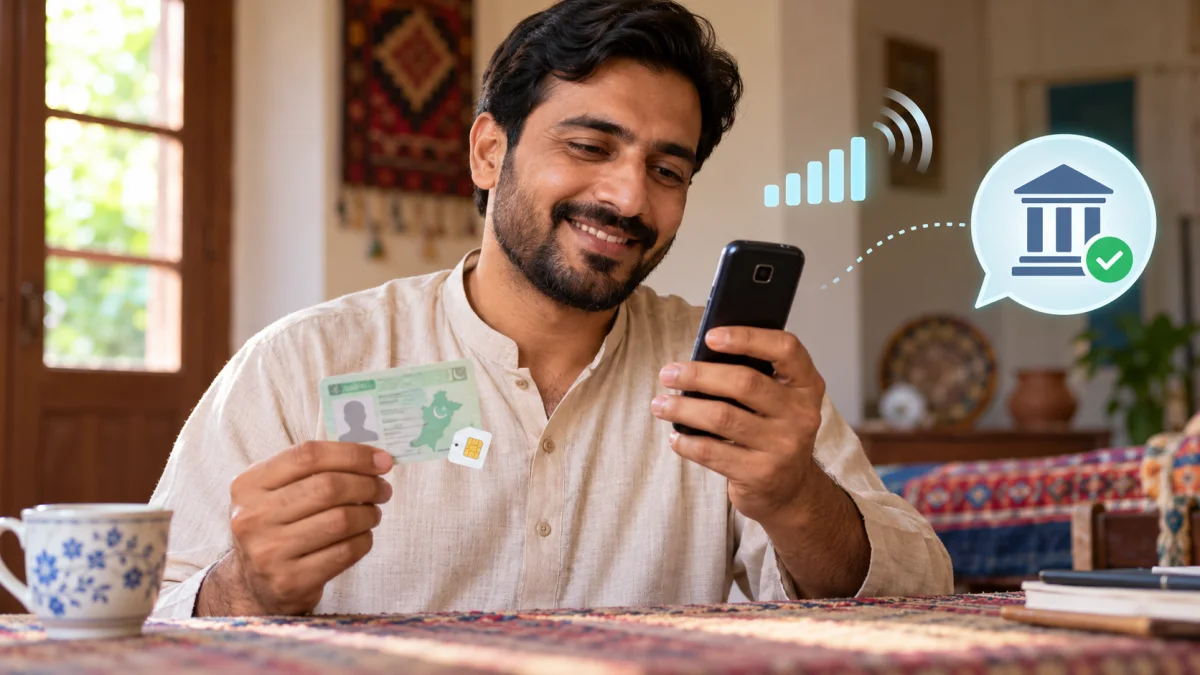
The Asaan Mobile Account platform helps eligible Pakistanis access basic banking services through a mobile phone, including a basic phone that does not require internet. It was introduced by the State Bank of Pakistan and Pakistan Telecommunication Authority with participating branchless banking providers.
For related updates, explore Government Schemes, Startup News, Tech News and Knowledge Base for more information.
Who can use Asaan Mobile Account?
A Pakistani citizen with a valid CNIC can use the platform through the SIM of a mobile operator, subject to the participating bank’s terms and verification requirements. The service is designed to improve financial inclusion for people who may not have easy access to a branch, smartphone or internet connection.
How to open an account through *2262#
- Dial *2262# from your mobile phone.
- Select the option to register for an Asaan Mobile Account.
- Choose a participating bank from the menu.
- Enter your CNIC number without dashes when requested.
- Enter the CNIC issuance date.
- Provide consent and accept the displayed terms.
- Create and confirm a secret PIN.
- Wait for the on-screen and SMS confirmation.
The bank may advise you to complete biometric verification within the required period. Follow the confirmation SMS and contact the bank’s official helpline if the account remains incomplete.
Services available
- Balance inquiry and mini statement.
- Transfers to accounts at the same or another Pakistani bank.
- Utility bill payments and mobile top-ups.
- PIN change and account linkage options.
- Account closure information and complaint support.
Important precautions and FAQs
Keep the PIN private, use your own SIM and do not enter CNIC details on an unofficial website or call. Does AMA require internet? The USSD service can work without internet. Can an existing account be linked? SBP’s guide includes account linkage, subject to the platform and bank rules. What if the SIM or phone is lost? Contact the mobile operator and bank immediately to protect the account.
Official sources: State Bank of Pakistan Asaan Mobile Account guide.
Important: This guide is for general information and financial education. Product rules, rates, limits, charges and eligibility can change. Always confirm the latest details with your bank or the relevant official authority before applying or transferring money.
Conclusion
Review the official sources, dates and eligibility conditions mentioned in this article before taking action. For more related updates, explore the category links above.
FAQs
What is this article about?
Learn how to open an Asaan Mobile Account in Pakistan using *2262#, CNIC and a mobile phone, plus services, verification and safety tips.
What topics are covered in this article?
This guide covers: Who can use Asaan Mobile Account?, How to open an account through *2262#, Services available, Important precautions and FAQs.
What should applicants check before applying?
Applicants should check eligibility, required documents, the closing date and the official application channel before submitting any information.
When was this article last updated?
This article was last updated on 17 October, 2026. Always verify deadline-sensitive information from the official source linked in the article.







Comments (0)
No Comments Found