



Quick Facts
Introduction
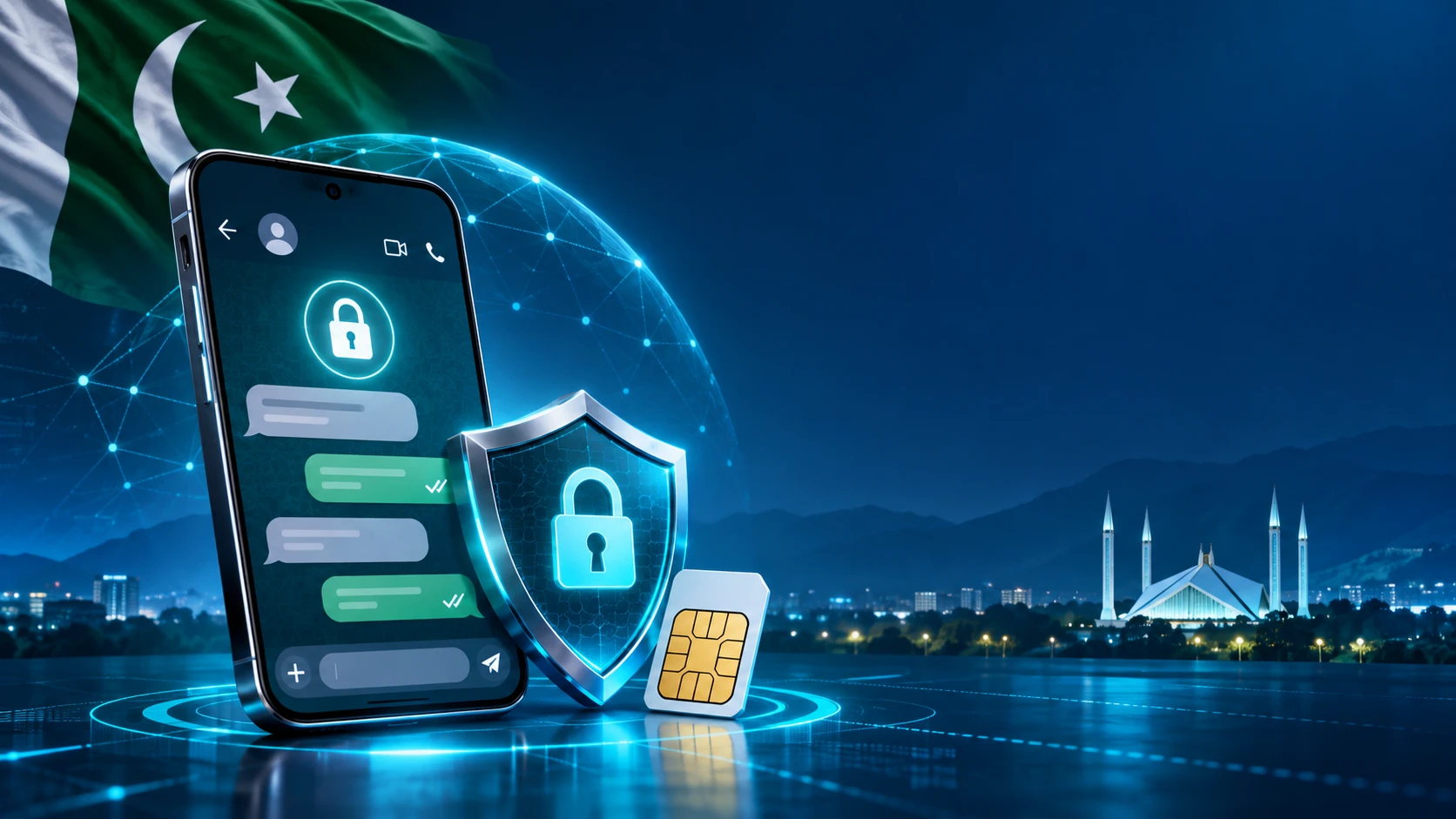
PTA and Meta have blocked 176,000 WhatsApp accounts linked to recycled SIM numbers in Pakistan. Learn why it happened and how to protect your account.
PTA and Meta WhatsApp update: The Pakistan Telecommunication Authority, working with Meta, has blocked 176,000 WhatsApp accounts registered against recycled mobile numbers. The action is aimed at reducing cyber fraud risks linked to numbers that were cancelled by one subscriber and later issued to another person.
For related updates, explore Jobs, Scholarships, Government Schemes and Admissions for more information.
A recycled number can create confusion when an old account remains connected to a phone number after the original user stops using it. If the number is later assigned to someone else, criminals may try to exploit account recovery, identity confusion or contacts who still believe the old user controls the number.
Why Were These WhatsApp Accounts Blocked?
According to reporting on the regulator’s action, PTA requested the blocking of accounts associated with recycled numbers after concerns that inactive or cancelled SIMs were being used in cyber fraud. PTA has shared around 10 million recycled numbers with Meta for verification, while a permanent mechanism is being developed to continue identifying accounts on numbers that have been recycled.
| Accounts blocked | 176,000 |
|---|---|
| Numbers shared for verification | About 10 million recycled mobile numbers |
| Proposed ongoing process | Monthly sharing of recycled numbers for review |
| Main objective | Reduce fraud and misuse linked to inactive or cancelled SIMs |
Could Your WhatsApp Account Be Affected?
The action is focused on accounts linked to recycled numbers, not on ordinary users who keep an active SIM registered in their own use. If you changed your number, moved to a new network or stopped using an old SIM, check which phone number is currently connected to WhatsApp.
If WhatsApp asks you to verify a number you no longer control, do not share an OTP with anyone. Contact your mobile operator about ownership of the number and use WhatsApp’s official support process. A message from an unknown person claiming to be PTA or Meta should not be trusted automatically.
How to Secure Your WhatsApp Account
- Open WhatsApp settings and confirm that the account is linked to your current active number.
- Use the official Change Number feature before abandoning an old SIM.
- Turn on two-step verification and add a recovery email address.
- Never share a six-digit verification code, PIN or device-linking code.
- Review linked devices and remove any phone or computer you do not recognize.
- Tell close contacts when you change numbers so they do not trust messages from the old account.
What This Means for Businesses
Small businesses that use WhatsApp for orders, customer support or payments should maintain a clear number-change policy. Keep SIM ownership records updated, remove abandoned numbers from public pages and use a separate business account with strong access controls. A lost number can expose old chats, customer contacts or payment conversations if the account is not transferred correctly.
Source and Safety Note
This report is based on coverage from PhoneWorld. PTA and Meta may issue additional user guidance. Do not download an unofficial “reactivation” app or pay anyone who promises to restore a blocked account.
Conclusion
Review the official sources, dates and eligibility conditions mentioned in this article before taking action. For more related updates, explore the category links above.
FAQs
What is this article about?
PTA and Meta have blocked 176,000 WhatsApp accounts linked to recycled SIM numbers in Pakistan. Learn why it happened and how to protect your account.
What topics are covered in this article?
This guide covers: Why Were These WhatsApp Accounts Blocked?, Could Your WhatsApp Account Be Affected?, How to Secure Your WhatsApp Account, What This Means for Businesses, Source and Safety Note.
What should applicants check before applying?
Applicants should check eligibility, required documents, the closing date and the official application channel before submitting any information.
When was this article last updated?
This article was last updated on 6 November, 2026. Always verify deadline-sensitive information from the official source linked in the article.

Comments (0)
No Comments Found